
Fast delivery within 72 Hours

Internal Hard Drive 26 Gb

£818.90

Excl.VAT

SKU: WDBWLG0260HBK-EESN Category: Brand:

3 in stock

Shipping & Delivery

  • Standard delivery

Our courier will deliver to the specified address

3-4 Days

From £9.95

  • Express delivery

All heavy items above 25kg will be charged shipping cost as per actual

1-2 Days

From £14.95

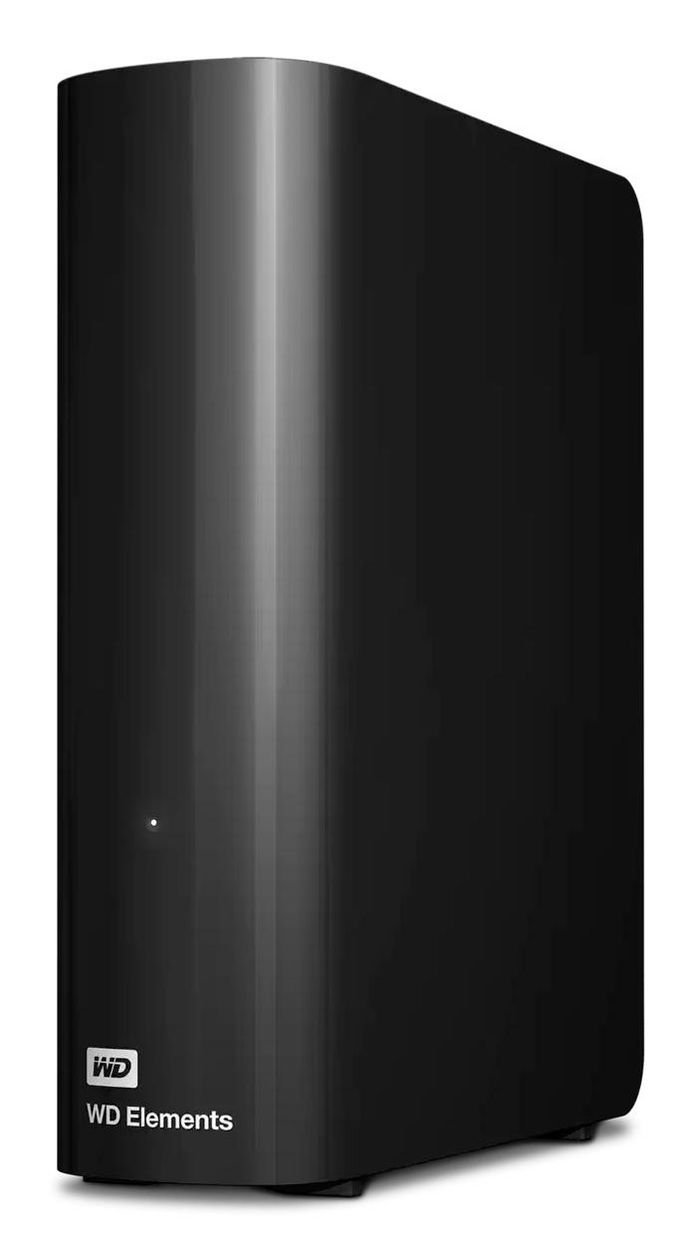
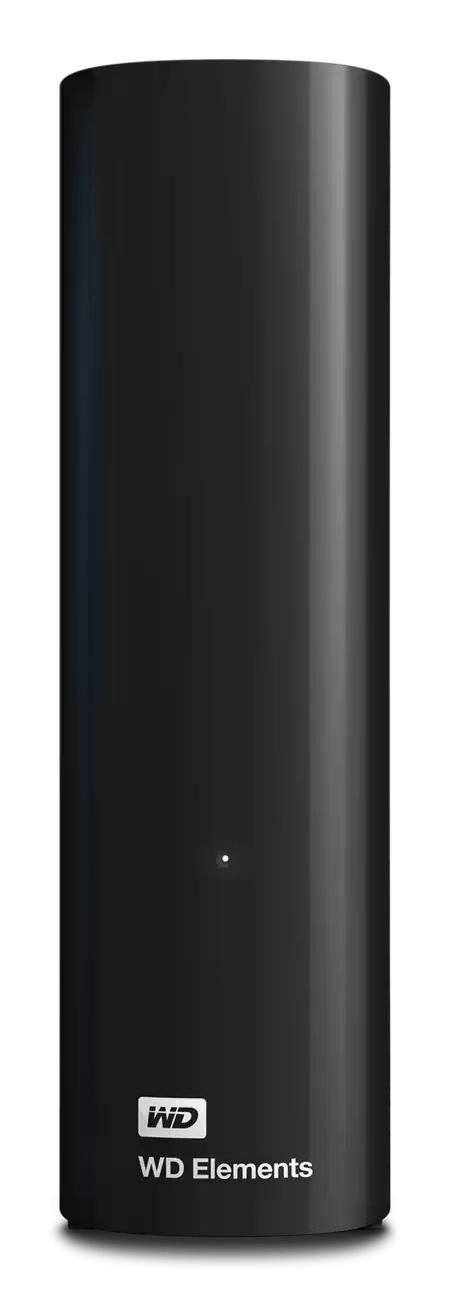
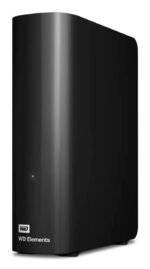
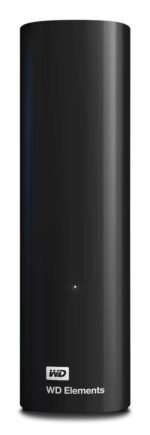
26 TB, USB 3.2 Gen 1, 5-35°C, Windows 10, Black, 135 x 48 x 165.8 mm

Enhance your storage capacity

Experience the dependability and spacious storage of the WD Elements desktop hard drive. Benefit from fast data transfers and effortless connectivity with USB 3.2 Gen 1/USB 3.0 devices, making backups of your photos, videos, and essential files a breeze.

Generous Capacity

Experience seamless storage expansion with up to 26TB of space. Elevate your storage capabilities with easy access to your cherished photos, music, videos, and files, seamlessly archived and readily accessible in one reliable device.

Plug-and-play expandability

Simplify your data backup routine with a plug-and-play hard drive. Archive your important files and documents effortlessly, helping to keep your valuable data protected.

Transfer faster

Experience fast data transfer speeds with USB 3.2 Gen 1, enabling you to quickly transfer and access your files with ease.

Plug-and-Play simplicity

The WD Elements™ Desktop Hard Drive works right out of the box with Windows® PCs – just plug into the USB port to instantly add storage.

2-Year Limited Warranty2

Built with proven components, enduring durability and reliability to help safeguard your vital files with confidence.
Features

Component forPC
HDD capacity26 TB
Product colourBlack
TypeHDD

Operational conditions

Operating temperature (T-T)5 - 35 °C
Storage temperature (T-T)-20 - 65 °C

Other features

Compliance certificatesBIS, CE, EAC, Federal Communications Commission (FCC), KC, RCM, UKCA, VCCI
Package weight1260 kg
Warranty period2 year(s)
Windows operating systems supportedWindows 10

Packaging content

Quick start guideYes
Storage drive adapter includedYes

Ports & interfaces

USB connectorMicro-USB B
USB version3.2 Gen 1 (3.1 Gen 1)

Power

Bus poweredUSB

Vendor information

Brand NameWestern Digital
Warranty1 Year(s)
0 reviews
0
0
0
0
0

There are no reviews yet.

Be the first to review “Internal Hard Drive 26 Gb”

Your email address will not be published. Required fields are marked *

You have to be logged in to be able to add photos to your review.

Specification

Overview

Processor

Display

RAM

Storage

Video Card

Connectivity

Features

Battery

General

Description

26 TB, USB 3.2 Gen 1, 5-35°C, Windows 10, Black, 135 x 48 x 165.8 mm

Enhance your storage capacity

Experience the dependability and spacious storage of the WD Elements desktop hard drive. Benefit from fast data transfers and effortless connectivity with USB 3.2 Gen 1/USB 3.0 devices, making backups of your photos, videos, and essential files a breeze.

Generous Capacity

Experience seamless storage expansion with up to 26TB of space. Elevate your storage capabilities with easy access to your cherished photos, music, videos, and files, seamlessly archived and readily accessible in one reliable device.

Plug-and-play expandability

Simplify your data backup routine with a plug-and-play hard drive. Archive your important files and documents effortlessly, helping to keep your valuable data protected.

Transfer faster

Experience fast data transfer speeds with USB 3.2 Gen 1, enabling you to quickly transfer and access your files with ease.

Plug-and-Play simplicity

The WD Elements™ Desktop Hard Drive works right out of the box with Windows® PCs – just plug into the USB port to instantly add storage.

2-Year Limited Warranty2

Built with proven components, enduring durability and reliability to help safeguard your vital files with confidence.
Customer Reviews

0 reviews
0
0
0
0
0

There are no reviews yet.

Be the first to review “Internal Hard Drive 26 Gb”

Your email address will not be published. Required fields are marked *

You have to be logged in to be able to add photos to your review.